


XLR vs. TRS for Studio Monitors: The Definitive 2025 Guide to a Flawless Connection
Key Takeaways
- Sound Quality Reality: When properly wired, there is no audible difference between balanced TRS and XLR cables for studio monitors. Both rely on the same balanced-audio principle to eliminate noise.
- The Real Distinction: Choosing between TRS vs XLR for studio monitors depends on physical durability, connection security, and your specific scenario—not raw audio fidelity. XLR’s locking mechanism makes it the professional standard for live and mobile applications.
- Manufacturing Quality Matters Most: Cable performance depends far more on conductor material, shielding, soldering and connector build than simply whether the plug is TRS or XLR. A premium TRS cable will outperform a cheap XLR in many cases.
- For U.S. Audio Brands: Component sourcing quality directly impacts your brand reputation. Partnering with top-tier OEM/ODM manufacturers ensures your products meet professional standards demanded by the competitive American market.
- Understanding Balanced Audio: Why It All Begins Here
1.1 What is a Balanced Signal and How It Cancels Noise
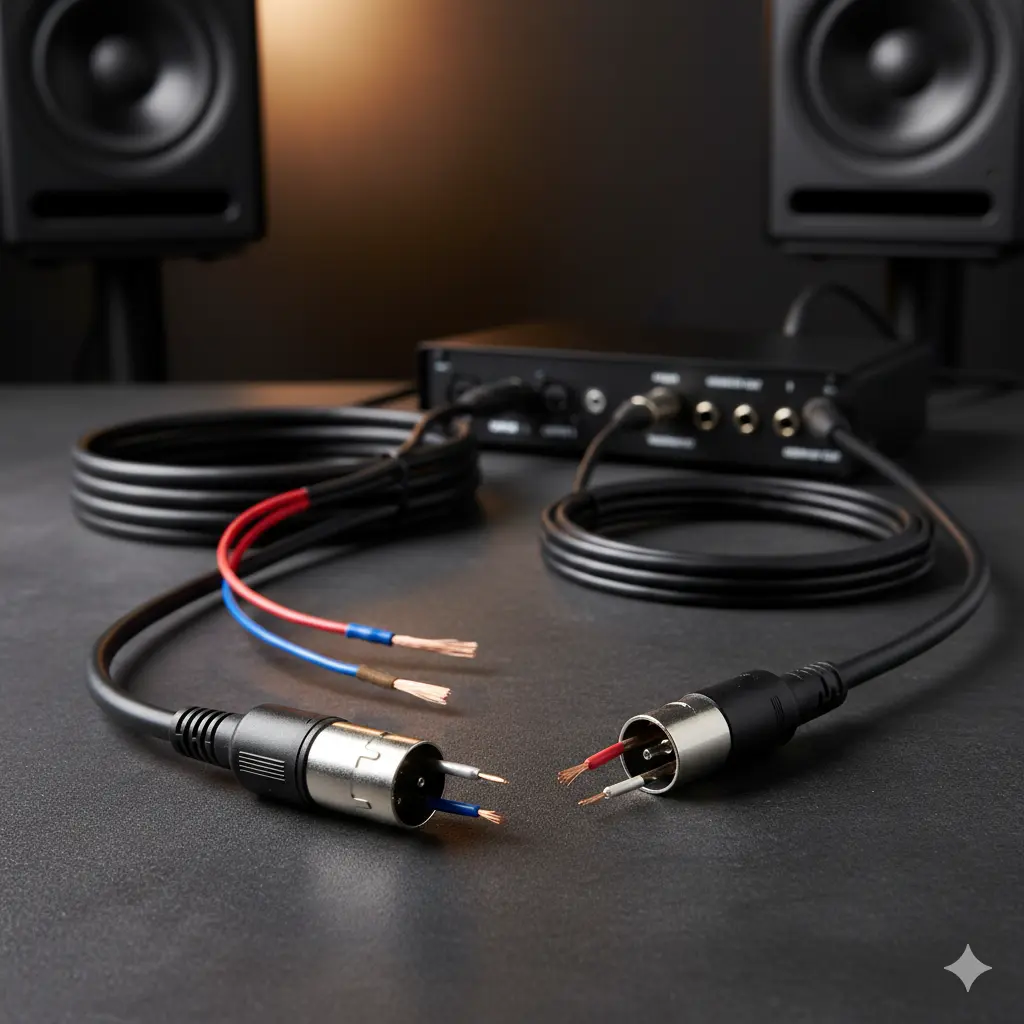
Before diving into TRS vs XLR for studio monitors, let’s understand the foundation: balanced audio transmission. Balanced audio is not about making music sound better per se—it’s about preserving what’s already there, by eliminating noise and interference.
Here’s how it works:
- In a balanced cable you have three conductors: the “hot” (positive) signal, the “cold” (negative) inverted signal, and a ground/shield.
- The device at the receiving end flips the cold signal back in phase and sums it with the hot signal. The original audio doubles, but any noise that has been induced equally on both hot and cold wires is cancelled out (common-mode rejection).
- That’s why professional audio lines (especially long runs) use balanced cabling: you avoid hum, buzz, radio-frequency interference, ground-loop issues.
1.2 TRS vs XLR: Why They Both Can Be Balanced
It’s common to assume “XLR = pro, TRS = lesser,” but the reality is more nuanced. Both TRS (Tip-Ring-Sleeve) and XLR connectors can carry balanced mono signals—when wired correctly and used in the balanced mode. (Reddit)
For clarity:
- A 1/4″ TRS plug inserted into a monitor or interface output may be balanced (tip = hot, ring = cold, sleeve = shield/ground).
- A 3-pin XLR connector (pins 1, 2, 3) is a standard for professional balanced audio. (wikipedia)
- The key is that the signal path is balanced—not the shape of plug itself. If you plug a stereo TRS cable into an unbalanced/incorrect jack, you may lose Bass, invert phase, or pick more noise. (MyeLearningWorld)
As one user on Reddit succinctly put it:
“The wires of XLR and TRS cables are often the same. It’s just the jack that is different.” (Reddit)
- The Connectors Face-Off: Real-World Pros and Cons
2.1 The Case for XLR: The Professional Standard for a Reason
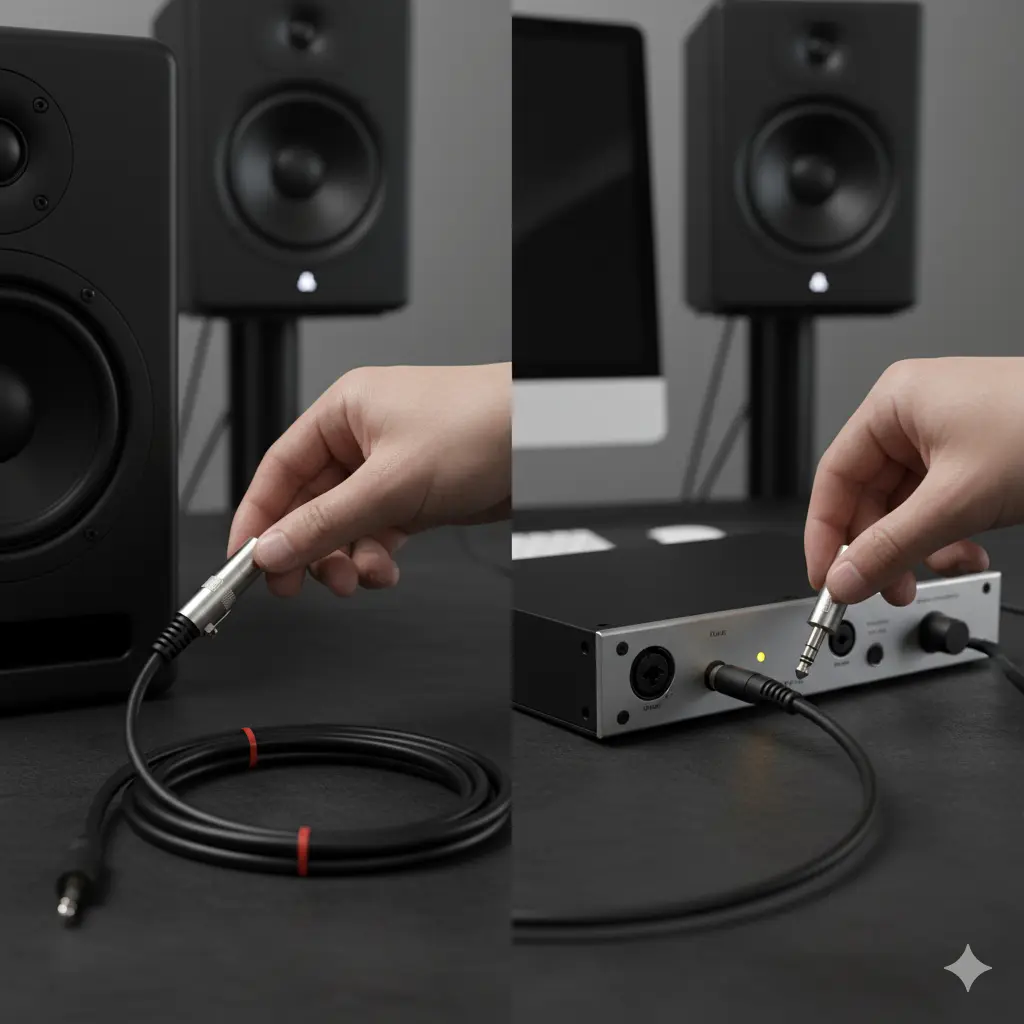
Durability & Locking Mechanism:
XLR connectors include a latch that “clicks” when plugged in, offering mechanical security. In live sound or mobile setups, this is a critical benefit. One forum user noted:
“In theory, XLR is the more professional, latching solution. TRS is more space-saving … but less robust and more potential for damage under certain circumstances.” (gearspace.com)
Safety-conscious Design:
An often overlooked advantage: XLR’s pins are different lengths (ground-first on insertion) which reduces the risk of shorting phantom-powered inputs. In contrast, some TRS jacks may briefly short tip/ring to sleeve when plugging/unplugging. (Neural DSP)
No Ambiguity:
In professional studios, an XLR jack usually only carries a balanced signal. There is less risk of someone inadvertently using it for unbalanced insertion. This clarity reduces human error.
2.2 The Practicality of TRS: The Home-Studio Workhorse
Space & Cost Efficiency:
Many consumer and prosumer audio interfaces (e.g., ¼″ TRS monitor outs) favour TRS because the plug is smaller and cheaper to implement. If your studio monitors and interface both support TRS balanced signals, it’s perfectly valid—and widely used.
Fixed Setup, Less Risk:
If your monitors sit on a desktop behind your interface and nothing ever moves, the locking benefit of XLR becomes less crucial. Many home-studio users say:
“My monitors haven’t moved in two years… I’m never tripping on cables, so TRS works just fine.”
2.3 Summary Comparison Table
|
Feature |
XLR |
Balanced TRS |
|
Locking mechanism / mechanical security |
✅ Strong click-lock |
✳️ Standard push-in, no latch |
|
Conflict with phantom power (plug/unplug) |
✅ Safer ground-first |
❗ Potential brief short when plugging |
|
Common professional usage (live + install) |
✅ Preferred |
✳️ Used widely in studio |
|
Space / cost economy |
❌ Larger & costlier |
✅ Smaller & cheaper |
|
Signal-type certainty (balanced only) |
✅ Mostly balanced |
⚠️ Can be stereo/unbalanced if mis-used |
- Beyond the Connector: Why Manufacturing Quality Is the Real Game
3.1 Why a High-End TRS Can Outperform a Cheap XLR
Here’s a key insight often missing in casual debates about “TRS vs XLR for studio monitors”: the connector shape is less important than the overall build quality of the cable assembly. Example factors to examine:
- Conductor Material: Oxygen-free copper (OFC) or high-purity conductors yield lower resistance and better signal fidelity.
- Shielding Quality: Heavy braided or twisted shields mitigate EMI/RFI. Cheap foil shields may degrade.
- Solder Joints & Strain Relief: Poor joints or weak strain relief are frequent failure points—regardless of connector type.
- Connector Build: Even a good XLR cable will fail if the connector shell is cheaply made or the latch breaks easily. As one forum poster observed:
“I have $15 Mogami TRS cables that out-lasted $30 generic XLR cables. The XLR’s locking meant nothing when the solder joint failed.” (gearspace.com)
3.2 Manufacturing & Supply Chain Insight for U.S. Brands
For U.S.-based audio brands (interfaces, monitors, etc.), source-component quality has direct bearing on brand value. Many brands don’t manufacture cables from scratch—they outsource to OEM/ODM houses. For example, one Chinese manufacturer with pro-audio credentials produces precision XLR & TRS connectors with high standards (OFC conductors, low-noise shielding). The key takeaway: Both XLR and TRS can meet “pro standards” – the difference lies in how they’re made, not just what they’re called.
Therefore, when choosing supplier components:
- Verify connector brand/manufacturer, not just type.
- Ask for specs: conductor purity, shielding % coverage, soldering method, durability tests.
- Maintain consistency across production runs; features such as locking mechanism should not be weak links.
- Decision Framework: When to Use XLR vs TRS for Studio Monitors
4.1 Choose XLR If…
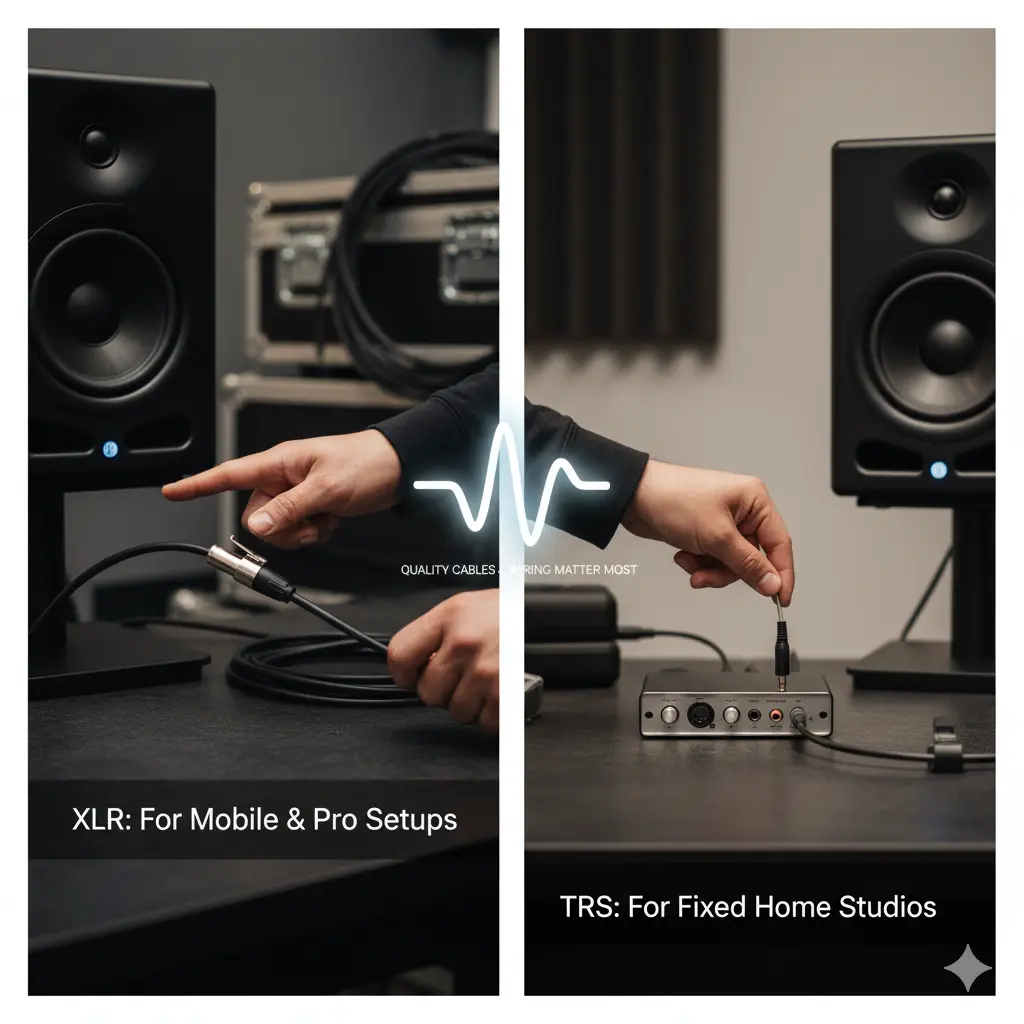
- Your studio monitors are frequently moved, setup/teardown (e.g., mobile rigs, live events).
- Cables run through high-traffic zones where accidental disconnection is possible.
- You want the most “fool-proof” balanced connection (less chance someone uses wrong unbalanced cable).
- You are using phantom power or equipment where hot-plug safety matters (though monitors themselves often don’t use phantom).
- You want your interface/monitors to align with professional install standards.
4.2 Choose TRS If…
- Your monitors and audio interface are in a fixed setup (home studio, desktop).
- Your interface outputs are TRS and your monitors accept TRS balanced—so no adapter needed.
- Budget and space efficiency matter and you’re willing to invest in quality TRS cables.
- You care more about cable quality than connector shape—so you buy best-build TRS instead of cheap XLR.
4.3 Universal Rule
Regardless of connector type, the most important factor is: make sure you are using a balanced connection, use high-quality cable & connectors, and wire it correctly. As one audio-engineering forum stated:
“TRS and XLR are identical in electrical properties; the form of the connector only matters when something else is wrong.” (gearspace.com)
- Implementation Checklist: Setting Up Your Studio Monitor Cable Run
Use this checklist to ensure optimal results:
- Output/Input Matching: Confirm your monitor output and input match balanced mode (e.g., +4 dBu line-level balanced).
- Cable Length: Use the shortest practical balanced cable—longer runs increase potential for induced noise, even when balanced.
- Connector Type: Choose XLR or TRS based on your environment (see section 4).
- Cable Quality: Look for OFC conductors, braided shielding, gold-plated connectors, manufacturer spec on durability.
- Proper Wiring: Tip = hot, Ring = cold/inverted (for TRS). Pin 2 = hot, Pin 3 = cold (for XLR). Ensure the monitor input is balanced.
- Avoid Mixing Balanced/Unbalanced: Plugging an unbalanced cable into a balanced input can create hum, phase issues. (MyeLearningWorld)
- Physical Setup: Keep cables away from power cords, routers, WiFi, bulky transformers—balanced cables help, but layout still matters.
- Label/Clean Routing: Especially in shared or pro studios — clearly mark which cables are monitors, ensure good strain relief.
- Test for Noise: With monitors on and no input signal, listen for hum or buzz, wiggle the cable—if noise changes, fix or replace the cable/connector.
- Frequently Asked Questions (FAQ)
Q1: Is there any sound quality difference between XLR and TRS for studio monitors?
A: In properly wired, balanced mode, no. Both carry the same balanced signal and have equivalent noise rejection. Any difference you might hear is far more likely caused by cable quality, wiring mistakes, or environmental factors—not connector shape. (Sound Design Stack Exchange)
Q2: Can I use a TRS-to-XLR cable (or XLR-to-TRS) to connect my interface to monitors?
A: Yes, absolutely. As long as the connection stays balanced (tip/ring or pin 2/pin 3 correspond properly) it works fine and is commonly used when interfaces have TRS outputs and monitors have XLR inputs. (Audio Science Review)
Q3: I bought cheap cables but I still hear hum. Is it because I used TRS instead of XLR?
A: Not necessarily. Many hum issues come from unbalanced runs, poor shielding, ground-loops, or cable routing—not simply the connector type. Using cheap cable (TRS or XLR) increases risk of persistent issues. Investing in decent quality balanced cable is far more effective.
Q4: Are long runs okay with monitors and balanced cables?
A: Yes—balanced runs of 30 m (100 ft) or more are feasible with proper wiring and shielding. Still, shorter is better: less potential interference, less capacitance. For studio monitors, most runs are fairly short anyway.
Q5: My interface output is labelled “TRS” and my monitor input says “XLR”. Which cable do I buy?
A: Choose a balanced TRS to XLR male/male or male/female cable (depending on your devices). Ensure the cable is specified as balanced (not stereo headphone cable) and good quality. That bridges the output format to the input.
Q6: Are there cases where TS (unbalanced) cables work fine?
A: Possibly in very short runs with minimal interference (e.g., 1-2 m on a quiet home desk). But you risk hum, noise, phase issues, and the benefits of your studio monitors are reduced. It’s not recommended for serious setups.
- Summary & Final Recommendation
To wrap up: when comparing XLR vs TRS for studio monitors, sound quality in a balanced connection is essentially identical. The decision comes down to practical factors: mechanical durability, environment (fixed vs mobile), cost, interface/monitor compatibility, and above all—cable and connector manufacturing quality.
If you’re setting up a home desktop studio and everything stays put, a high-quality balanced TRS cable is perfectly professional. If you are installing in a multi-user studio, mobile rig, or live environment, the extra robustness and locking of XLR may justify the choice.
And perhaps the most important takeaway: Don’t let connector-type be your only filter. Inspect every element of your signal chain: balanced wiring, shielding, conductor quality, routing, strain relief, and correct wiring. When all of that is in place, your setup will deliver transparent, noise-free monitoring—regardless of whether it’s XLR or TRS.
Happy monitoring—let your mixes shine unhindered!