


What is an AUX Cable Used For? The Complete Guide for 2025
Key Takeaways
● AUX cables are simple 3.5mm audio connectors that create reliable, wired connections between devices like smartphones, cars, speakers, and headphones
● Main uses include car audio connections, home entertainment systems, professional recording setups, and gaming applications
● They provide instant analog signal transmission with plug-and-play ease, perfect for situations needing immediate audio response
● Even with wireless technology everywhere, AUX cables stay essential for their reliability, universal compatibility, and better audio quality
● Picking the right AUX cable depends on what you need - from basic everyday use to professional studio requirements
You might ask yourself: what is an AUX cable used for, and why does it still matter? Even though Bluetooth and wireless tech dominate today, the simple AUX cable still plays a big role in our daily audio experiences. Whether you're connecting your phone to your car stereo or powering professional recording studios, AUX cables offer reliability and simplicity that wireless options often can't match.
What is an AUX Cable?
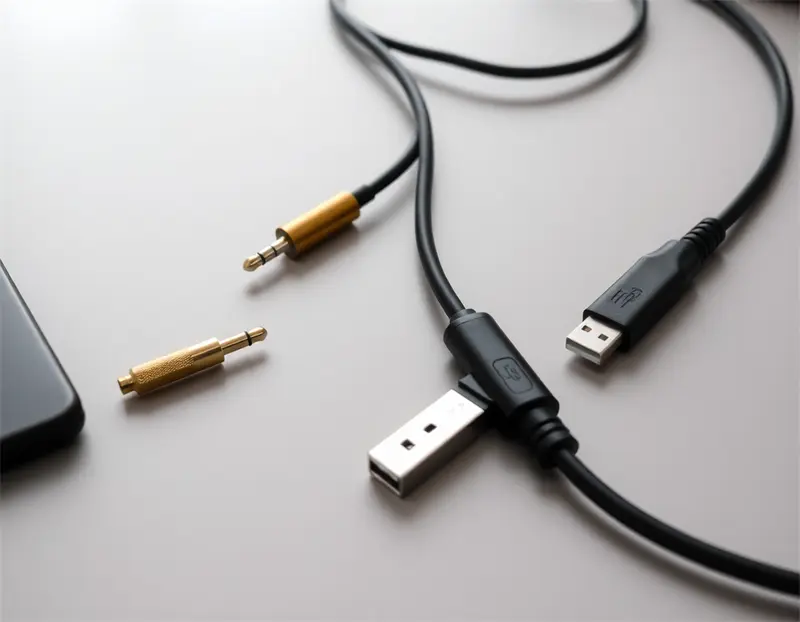
An AUX (auxiliary) cable is a wired audio connector with 3.5mm jacks at both ends, designed to send analog audio signals between electronic devices. The word "auxiliary" means "extra" or "supporting," showing its role as a flexible backup audio connection that makes your devices more useful.
How They're Built and How They've Changed
AUX cables typically use a TRS (Tip-Ring-Sleeve) setup that handles stereo audio transmission. The tip carries the left audio channel, the ring handles the right channel, and the sleeve provides the ground connection. Some variations include:
● TRRS (Tip-Ring-Ring-Sleeve): Works with both audio output and microphone input for phone calls
● 6.35mm (¼ inch) connectors: Used in professional audio and musical instrument setups
● Modern updates: USB-C and Lightning to 3.5mm adapters for newer devices without traditional headphone jacks
What makes AUX cables great is their analog signal transmission, which sends direct electrical audio signals without digital conversion, ensuring they work with virtually any device across generations.
What is an AUX Cable Used For? Main Uses
1.Car Audio Connections
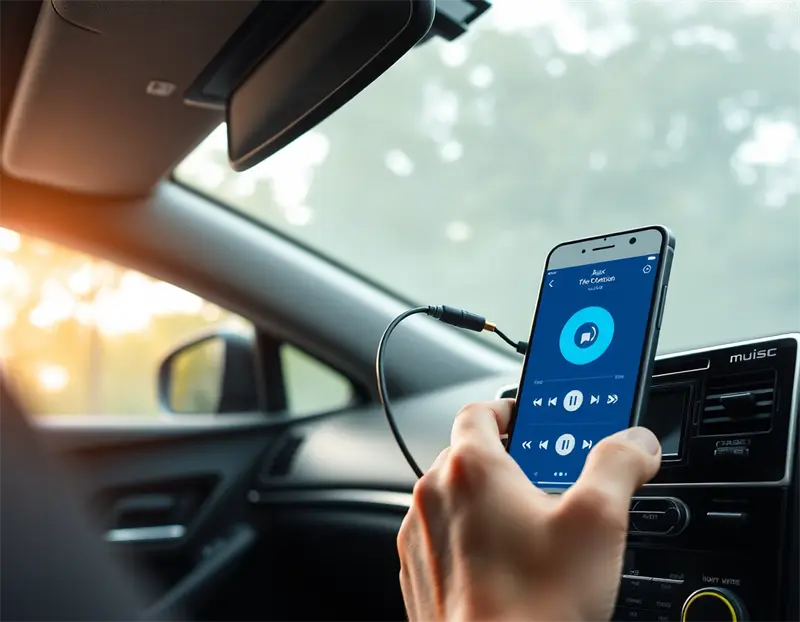
One of the most popular ways people use AUX cables answers "what is an AUX cable used for" in cars. AUX cables create smooth connections between smartphones, MP3 players, or tablets and vehicle stereo systems. This connection lets you:
● Play music, podcasts, and audiobooks through your car's speakers
● Get GPS navigation instructions with clear audio
● Make hands-free calls when using TRRS cables
● Skip Bluetooth pairing problems and audio quality issues
2.Home Entertainment Systems
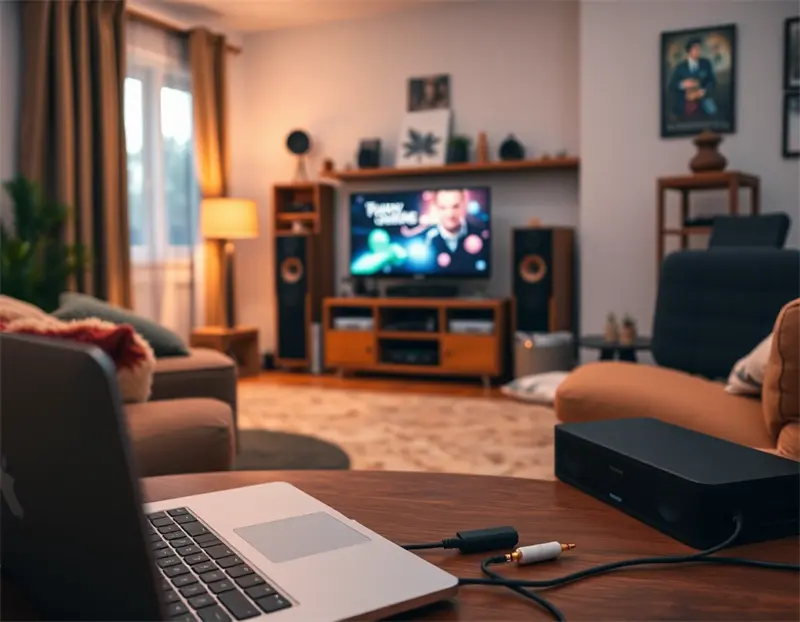
What is an AUX cable used for at home? The uses are many:
● Computer to speaker connections: Connect laptops, desktops, or tablets to powered speakers for better audio quality
● TV and multimedia systems: Link portable devices to home theater systems for direct audio playback
● Hi-Fi audio setups: Create high-quality connections between audio sources and premium speaker systems
3.Professional Audio and Recording

In professional settings, what is an AUX cable used for extends to important audio production tasks:
● Studio monitoring: Connect audio interfaces to studio monitors for accurate sound reproduction
● Instrument connections: Link keyboards, synthesizers, and electronic instruments to mixers or amplifiers
● Recording work: Connect microphones and external audio gear to recording interfaces
● Live sound support: Create reliable connections in concert and performance venues
4. Gaming and Entertainment
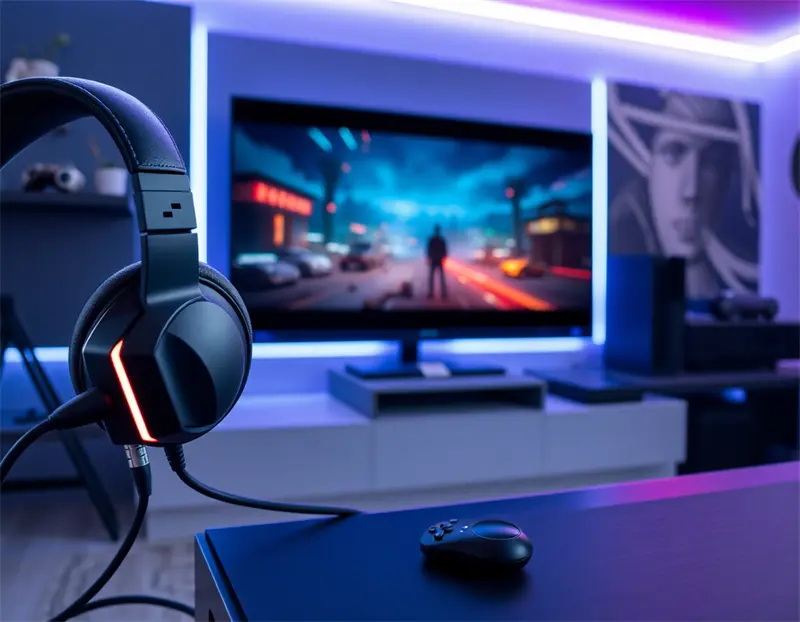
Modern gaming setups often use AUX cables for:
● Console audio: Connect gaming headsets to controllers or systems for immersive audio experiences
● PC gaming: Link external speakers or headphones to computers for better sound quality
● Streaming and content creation: Create reliable audio connections for content creators and streamers
More Uses and Creative Applications
Audio Sharing and Group Listening
What is an AUX cable used for in social situations? With headphone splitters, a single AUX output can send audio to multiple headphones at once. This makes them perfect for:
● Sharing music during flights or travel
● Group listening sessions for podcasts or audiobooks
● Educational settings where multiple students need to hear the same audio source
Professional Communication
TRRS AUX cables handle both audio output and microphone input, making them valuable for:
● Video conferencing: Clear audio input and output for remote meetings
● Phone interviews: Professional-quality audio recording for journalists and podcasters
● Customer service: Reliable headset connections for call center work
DIY and Creative Projects
Creative users have found innovative ways to use AUX cables:
● Custom audio systems: Building unique sound setups for events or installations
● Educational projects: Teaching electronics and audio signal principles
● Repair and restoration: Replacing damaged cables in vintage audio equipment
Pros and Cons
Why AUX Cables Still Matter
Reliability and Simplicity: AUX cables offer true plug-and-play functionality with no pairing needed, software installation, or compatibility worries.
Zero Delay: Unlike Bluetooth connections, AUX cables give immediate audio response, which is crucial for gaming, musical performance, and professional work.
Better Audio Quality: Analog transmission avoids the compression problems common in wireless audio, delivering uncompressed, high-quality sound.
Universal Compatibility: With billions of devices having 3.5mm jacks, AUX cables work with virtually all audio equipment regardless of brand or age.
Cost-Effective: AUX cables are cheap, widely available, and easily replaceable compared to wireless alternatives.
Understanding the Downsides
Physical Limits: Cable length can impact signal quality, with longer cables potentially losing signal strength.
Connector Differences: Multiple standards (TRS, TRRS, 6.35mm) can create confusion for buyers.
Wear and Tear: Physical connectors can corrode, loosen, or break with repeated use, requiring eventual replacement.
Limited Digital Features: AUX cables can't provide advanced features like noise cancellation, EQ adjustment, or app-based controls available in digital connections.
Picking the Right AUX Cable
Figuring Out Your Needs
Everyday Use: For basic smartphone-to-speaker or car audio connections, standard 3.5mm TRS cables typically work fine.
Professional Needs: Studios and performance venues benefit from higher-grade cables with gold-plated connectors, better shielding, and reinforced strain relief.
Gaming and Low-Delay Uses: Choose short, high-quality cables to minimize any potential signal loss.
Key Selection Points
Connector Type: Make sure you have compatibility between TRS (audio only) and TRRS (audio plus microphone) based on what you need.
Cable Length: Pick the shortest practical length for best signal quality, typically 3-6 feet for most uses.
Build Quality: Look for gold-plated connectors, proper shielding, and strong strain relief at connection points.
Adapter Needs: Consider USB-C or Lightning adapters for modern devices lacking traditional headphone jacks.
Practical Tips and Problem-Solving
Care and Maintenance
Proper Storage: Avoid tight coiling and sharp bends that can damage internal wires.
Connection Cleaning: Regularly clean connectors with isopropyl alcohol to maintain good contact quality.
Gentle Handling: Insert and remove connectors straight to prevent jack damage in devices.
Common Problems and Fixes
Single-Channel Audio: Usually means a damaged wire; try different cables to isolate the problem.
Intermittent Connection: Often caused by loose jacks or worn connectors; gentle wiggling can temporarily restore connection.
Background Noise: May indicate poor shielding or ground loop issues; try different cable routing or higher-quality cables.
The Future of AUX Cables
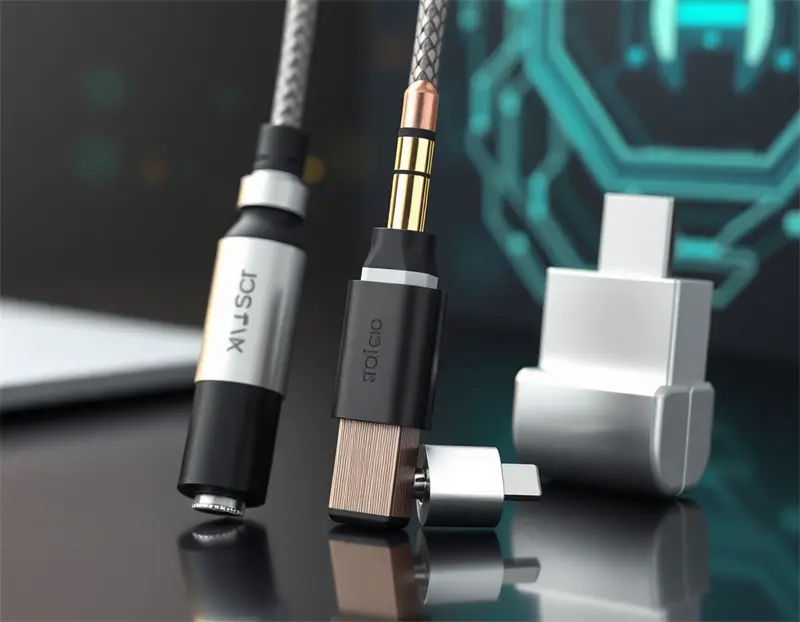
While wireless technology keeps advancing, AUX cables maintain their relevance through ongoing improvements:
Better Materials: Premium cables now feature silver-plated copper conductors and advanced shielding for improved performance.
Smart Adapters: Modern adapters include digital-to-analog converters (DACs) for optimal sound quality when connecting to USB-C or Lightning ports.
Professional Evolution: High-end applications continue demanding the reliability and quality that only wired connections can provide.
Frequently Asked Questions (FAQ)
1. What is an AUX cable used for in modern cars?
AUX cables connect smartphones and portable devices to car stereo systems, letting you play music, get GPS audio, and make hands-free calls through the vehicle's speakers.
2. Can AUX cables carry microphone signals?
Yes, TRRS AUX cables can carry both audio output and microphone input signals, making them work for phone calls and voice recording.
3. Why do some new phones remove AUX ports?
Manufacturers remove 3.5mm jacks to create thinner devices, improve water resistance, and encourage adoption of wireless audio technologies, though adapters remain available.
4. When should I choose AUX over Bluetooth?
Choose AUX cables for gaming (zero delay), professional audio (better quality), battery conservation, and situations needing consistent, reliable connections.
5. How long can an AUX cable be without signal loss?
For everyday use, cables up to 10 feet typically maintain good signal quality. Professional setups may use longer cables with proper shielding and signal boosting.
6. Do AUX cables work with all devices?
AUX cables work with any device having a compatible 3.5mm jack, though newer devices may need adapters for USB-C or Lightning connections.
7. What's the difference between TRS and TRRS connectors?
TRS (Tip-Ring-Sleeve) handles stereo audio only, while TRRS (Tip-Ring-Ring-Sleeve) adds microphone capability for phone calls and voice input.
8. Can I use AUX cables for professional recording?
Yes, high-quality AUX cables are commonly used in professional audio for connecting instruments, monitors, and recording equipment, though XLR and TRS quarter-inch cables are more common for professional work.
9. How do I fix crackling or static in my AUX connection?
Clean the connectors with isopropyl alcohol, check for loose connections, try a different cable, and ensure proper grounding to eliminate interference.
10. Are expensive AUX cables worth the investment?
For critical listening or professional work, higher-quality cables with better shielding and connectors can provide improved audio quality and durability, though basic cables work fine for casual use.
References
1.What Is an AUX Port? Meaning, Uses, and Simple Explanation
2.What is an Aux Cord? A Beginner's Guide to Audio Connection Cables
3.7+ Best Aux Cable for Android Phone: Music & More!
4.Pro Auxiliary Cables — Asterope
5.What Are Aux Cables? The Ultimate Guide for Everyday Audio
6.What is the use of the 3.5mm Stereo Aux Cable? - CableCreation
7.Auxiliary Connector: The Bridge Between Your Devices - Lenovo
8.Audio Cable Types Explained | Demystifying Audio Cables 2025
9.What is the use of the 3.5mm Stereo Aux Cable? - CableCreation
10.What is an AUX Port and What Is It Used For? Explained